
01
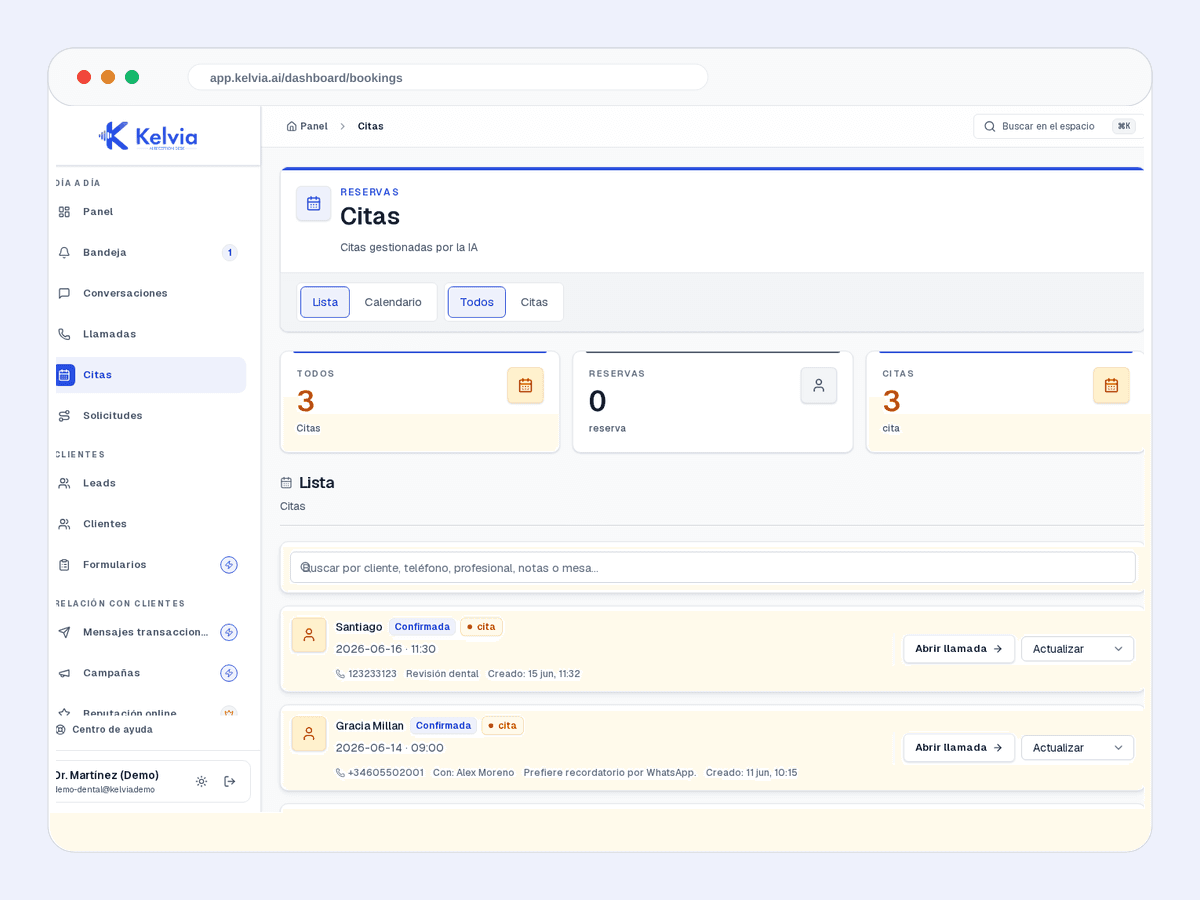
Booking calendar
Reservations, availability and the daily schedule in one view.
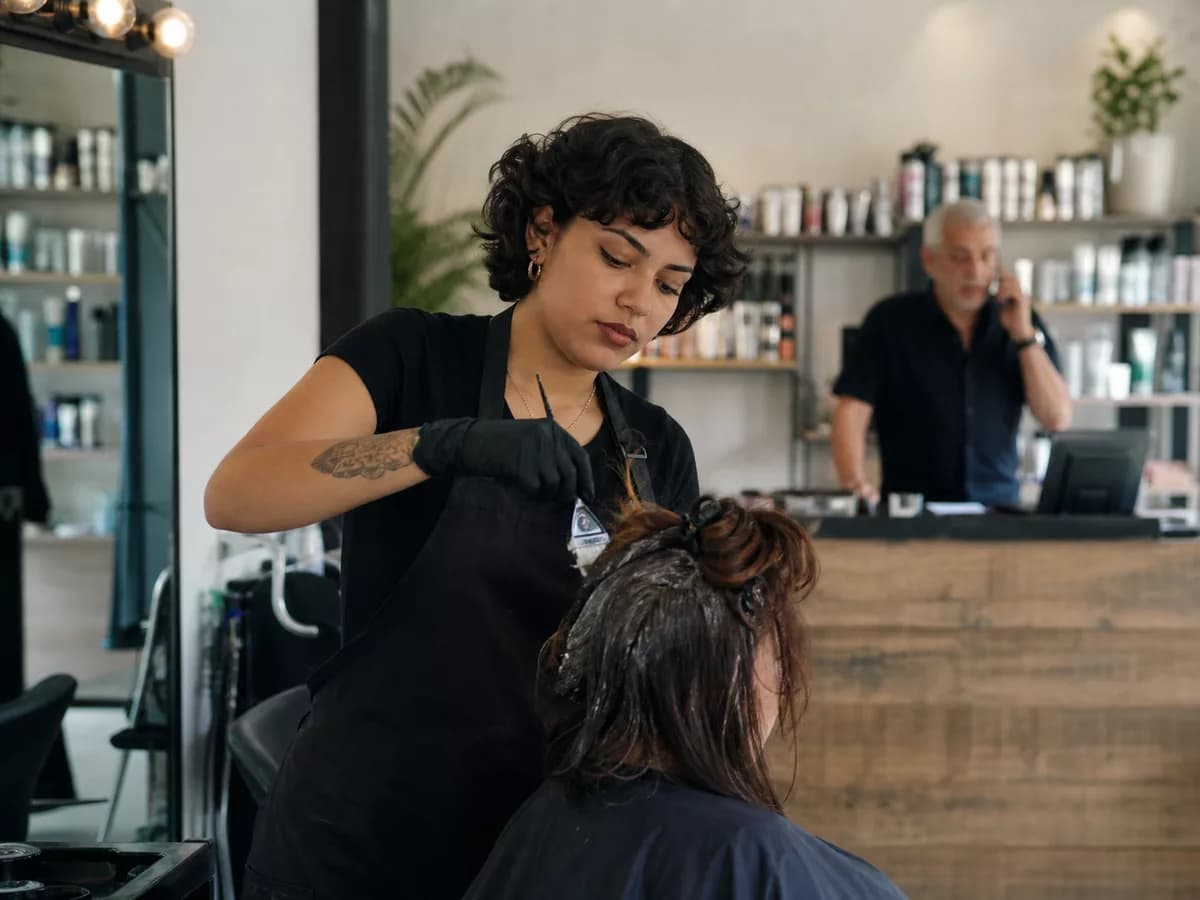
Kelvia starts with hair salons vocabulary, services, FAQs and routing, then keeps every outcome visible in the dashboard.
Start from hair salons presets, add services or FAQs, and test the front desk before sending real traffic.
Handles common questions about services, hours, prices, policies and availability in the language of hair salons.
Keeps customer context, consent and conversation history tenant-scoped so repeat customers do not start from zero.
Books cuts, color, treatments and styling with date, time and client contact details.
Answers from the configured service catalog, including price and expected duration.
Checks availability for a named stylist when the client has a preference.
Product screenshots captured from demo tenants, cleaned of test banners and setup tips.
Reservations, availability and the daily schedule in one view.
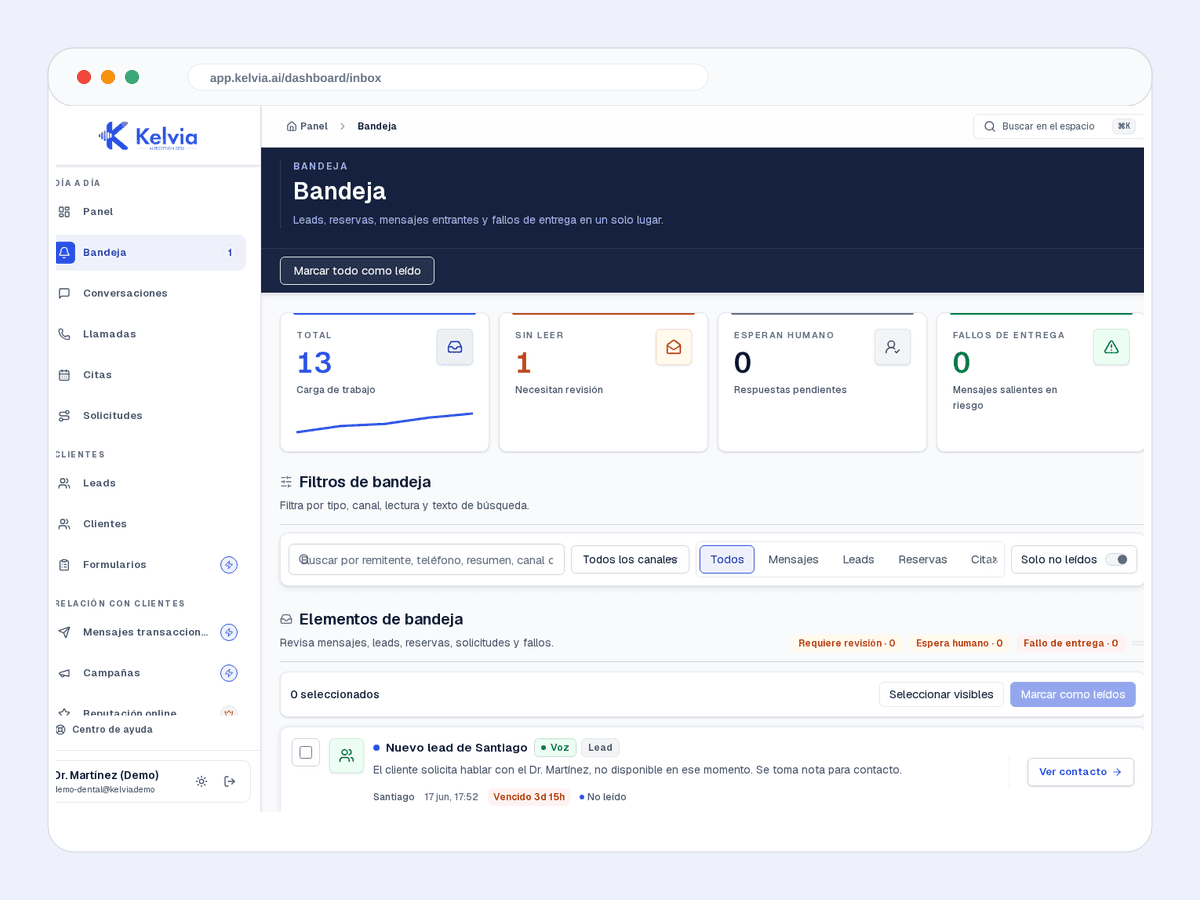
Leads, bookings, messages and failures in the same workflow.
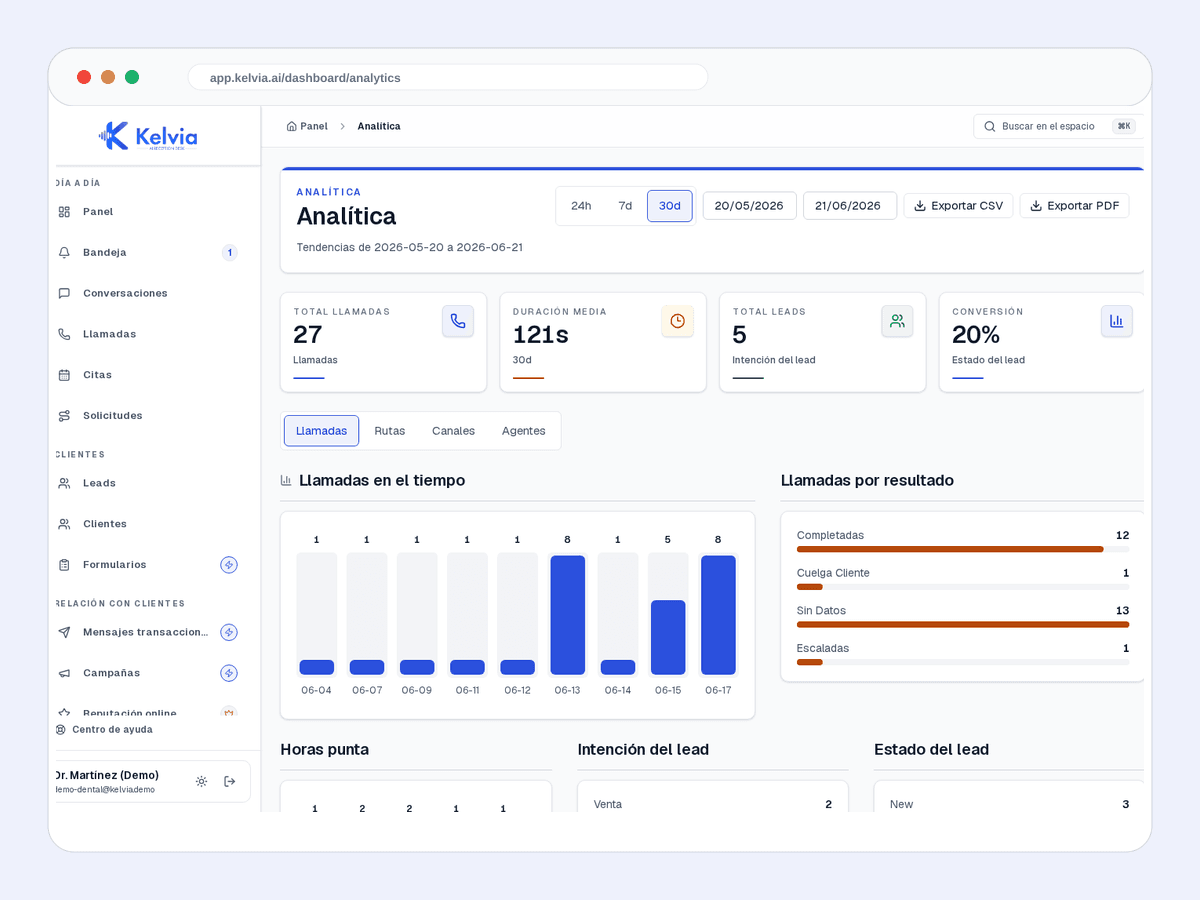
Volume, outcomes and operating performance by channel.
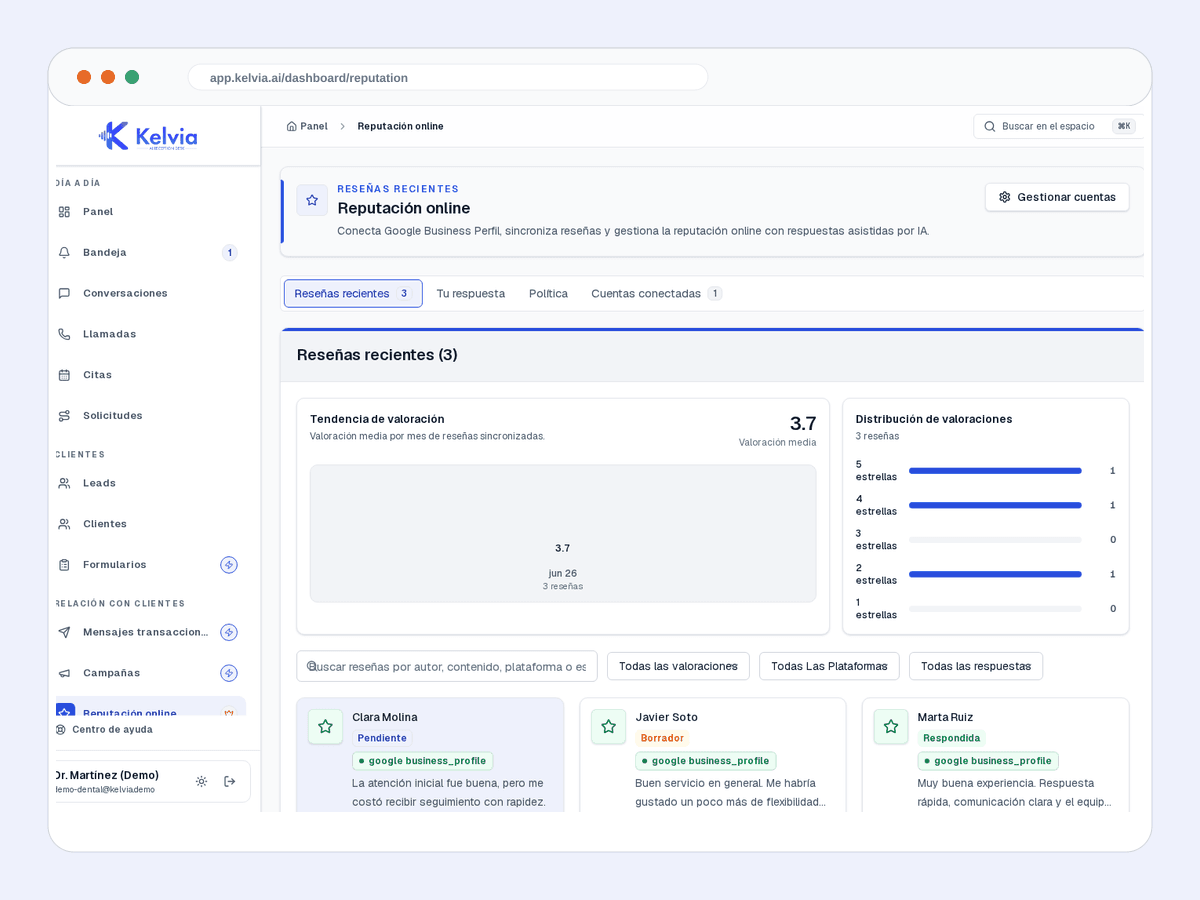
Alerts and tasks for protecting reviews and feedback.
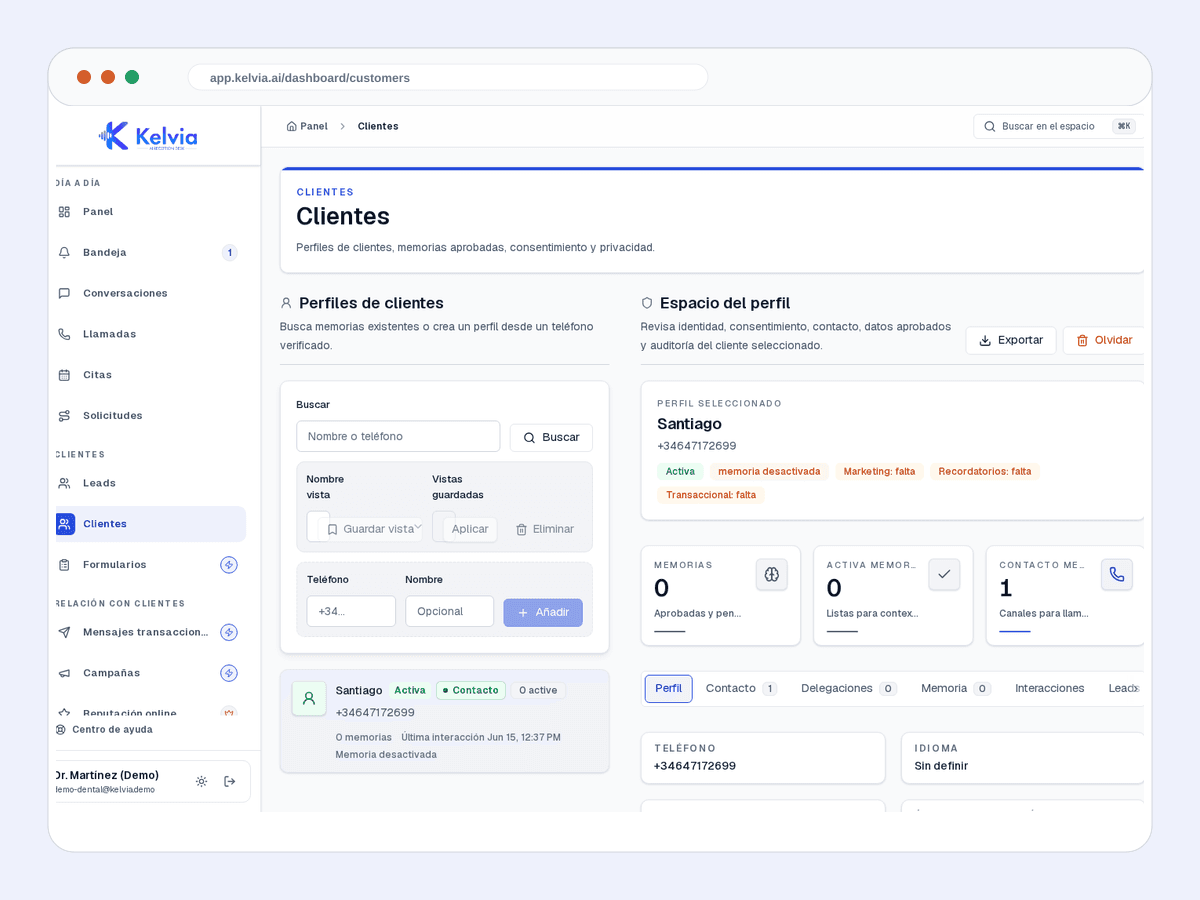
History, context and next actions for each customer.
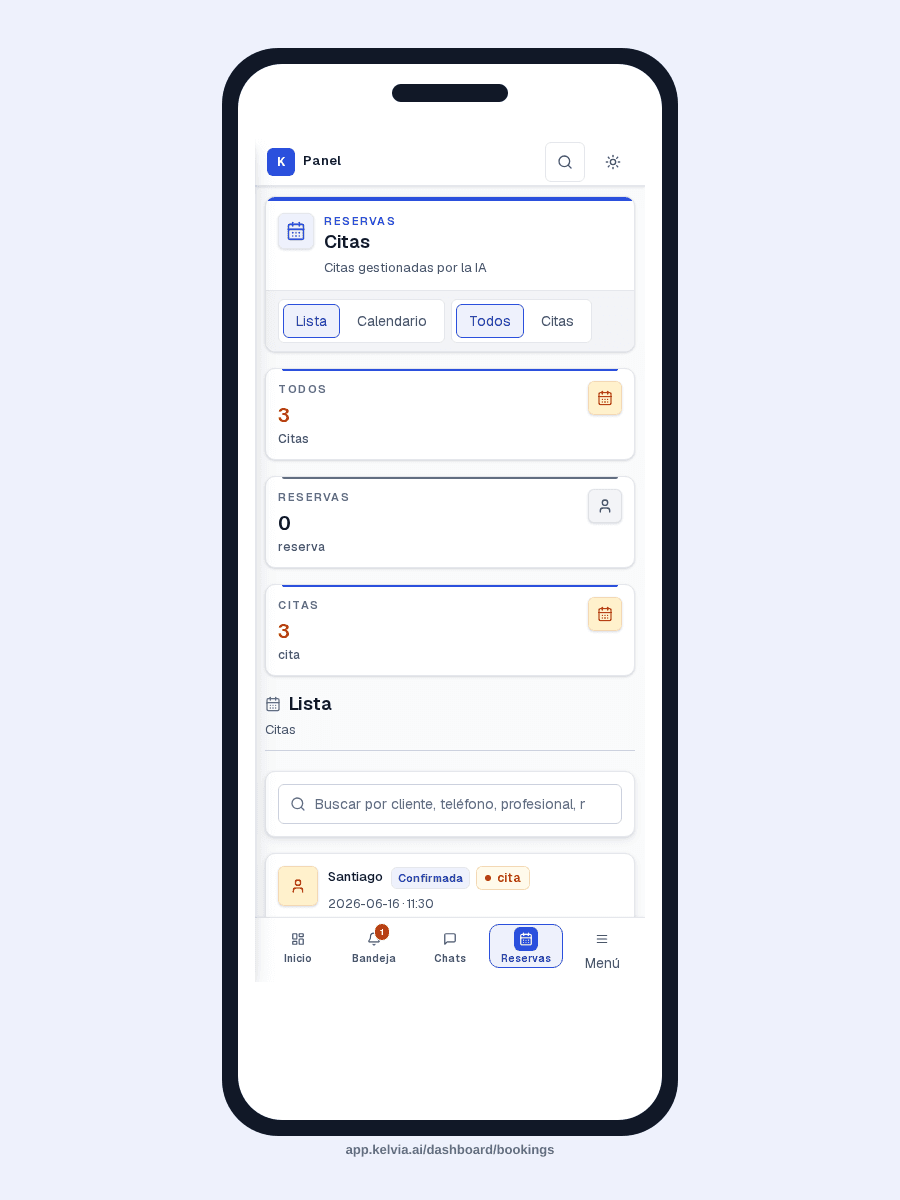
Agenda and reservations visible for teams on the move.
An example conversation between a customer and your AI front desk, handling a typical hair salons inquiry from first message to structured outcome.
Pre-configured capabilities designed specifically for hair salons. Works out of the box, then you customize everything from the dashboard.
Books cuts, color, treatments and styling with date, time and client contact details.
Answers from the configured service catalog, including price and expected duration.
Checks availability for a named stylist when the client has a preference.
Lets clients look up, cancel or reschedule their appointments with confirmation.
Sends reminders through configured outbound channels when consent is in place.
Saves new client details and the reason for the enquiry for follow-up.
Managers and linked professionals can record a full day, date range, or same-day unavailable window. Kelvia applies it to booking and staff routing; leave policy, balances, approvals, payroll, and medical records stay in the workforce system that owns them.
Useful in Hair Salons.
Choose a full day, an inclusive date range, or a same-day time window.
Kelvia previews any confirmed appointments affected before the block is saved.
If appointments are affected, a second explicit confirmation is required; Kelvia never cancels or reassigns them automatically.
Shared calendars show only that the professional is unavailable, without exposing the category or private note.
A linked professional can manage only their own availability. Managers retain the team-wide scheduling view.
Kelvia stores only what its booking engine needs. It does not calculate leave balances, run approvals, process payroll, or hold medical documents.
A provider-neutral integration boundary is ready for a future connector to import approved availability from workforce software. No connection to a specific HR provider is claimed today.
Where Kelvia fits into day-to-day hair salons operations.
Capture bookings while stylists are with clients.
Explain services and prices without making the caller wait.
Offer slots around a stylist preference instead of manual back-and-forth.
Let clients reschedule or cancel through a safe flow.
This uses the same default sector assumptions as the full pricing calculator. Adjust calls, unanswered rate, value, and recovery on the pricing page.
132
missed calls/month
€4,356
monthly opportunity
Illustrative assumptions: 22 operating days/month, 30% missed calls, 55.00000000000001% conversion and €60 per customer.
Run the full calculatorCommon questions about using Kelvia for hair salons.
Yes. Kelvia checks availability, collects name, phone, service, date and time, and only confirms once the booking workflow returns a created appointment.
Yes. After verifying the customer, the assistant lists only that customer's appointments, confirms which one to change or cancel, and runs the matching workflow after explicit confirmation.
Kelvia classifies intent and routes to sales, support, admin, urgent help, or a named person; real transfers only go to verified staff or departments.
Yes, when outbound messaging and customer consent are configured for SMS, WhatsApp or email.
Start with an assistant configured for hair salons, then adapt the workflows, prompts, tools and handoff rules from your dashboard.