
01
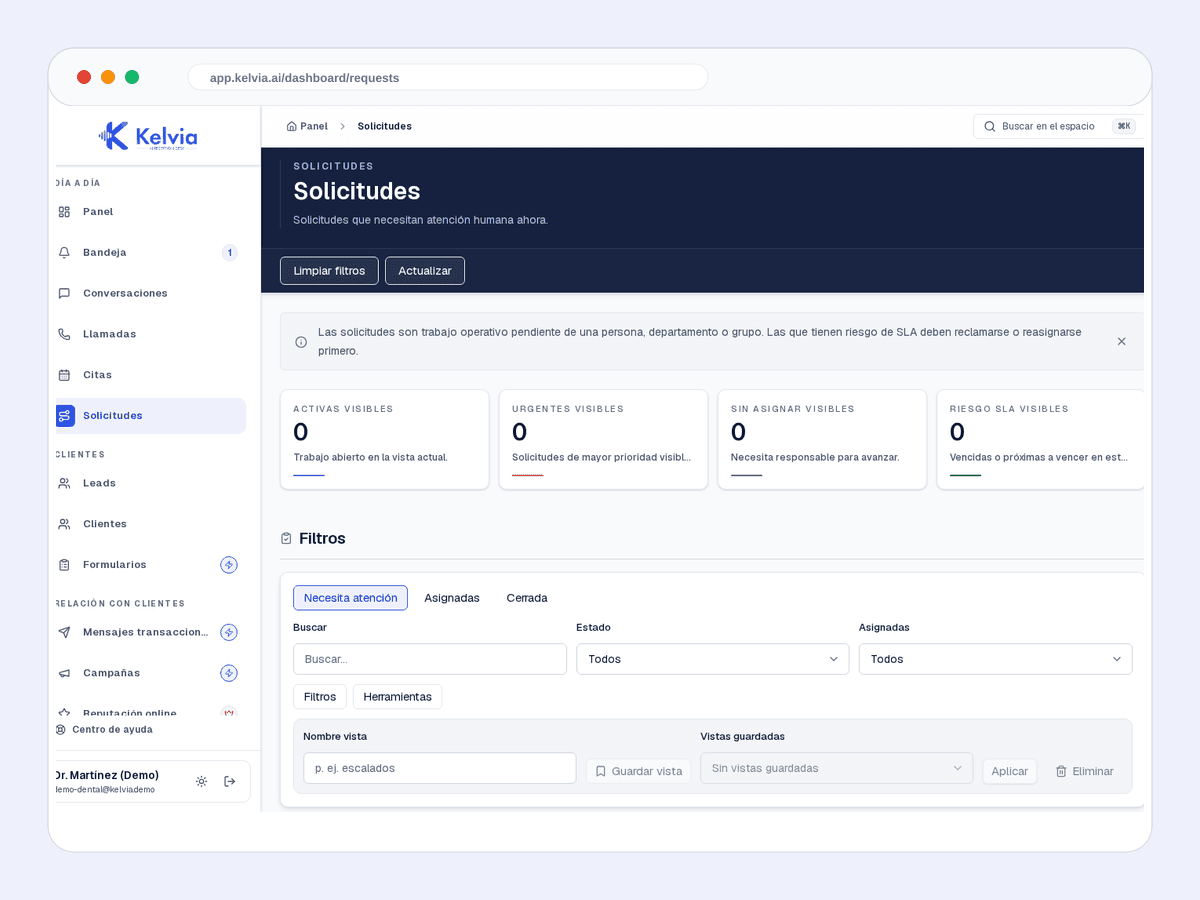
Request queue
Incoming requests classified so the team can act.

Kelvia starts with property management vocabulary, services, FAQs and routing, then keeps every outcome visible in the dashboard.
Start from property management presets, add services or FAQs, and test the front desk before sending real traffic.
Handles common questions about services, hours, prices, policies and availability in the language of property management.
Keeps customer context, consent and conversation history tenant-scoped so repeat customers do not start from zero.
Captures property, unit, issue and priority.
Books maintenance visits, inspections or follow-up appointments.
Saves enquiries with summary, urgency and contact details.
Product screenshots captured from demo tenants, cleaned of test banners and setup tips.
Incoming requests classified so the team can act.
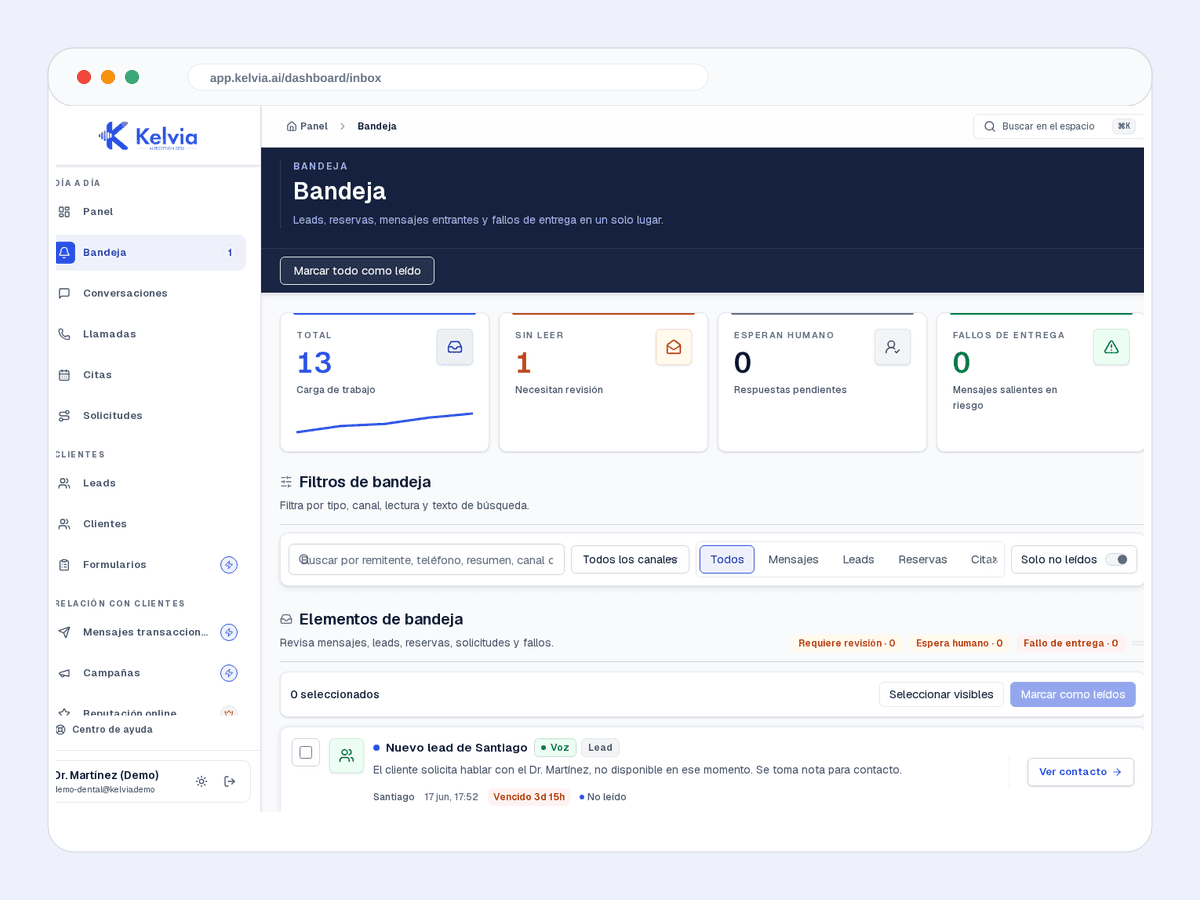
Leads, bookings, messages and failures in the same workflow.
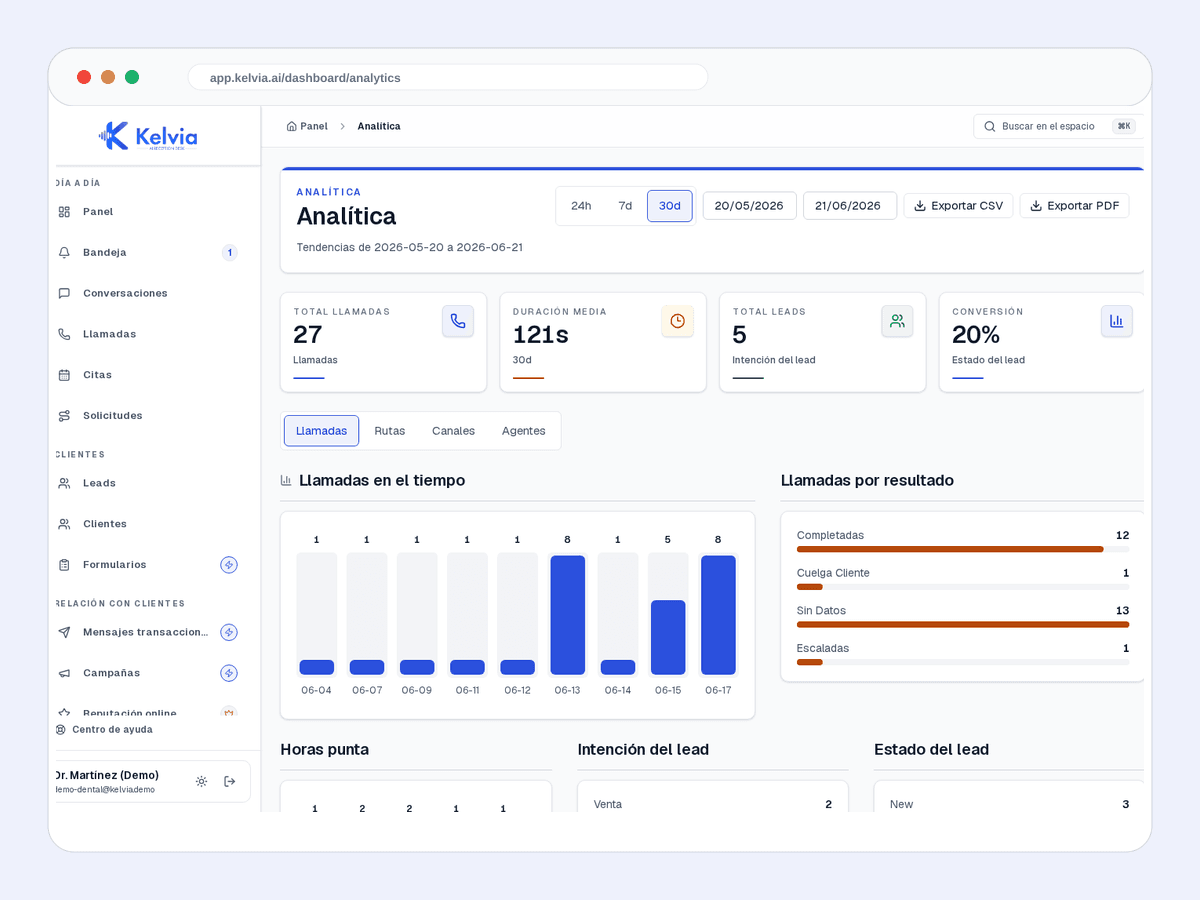
Volume, outcomes and operating performance by channel.
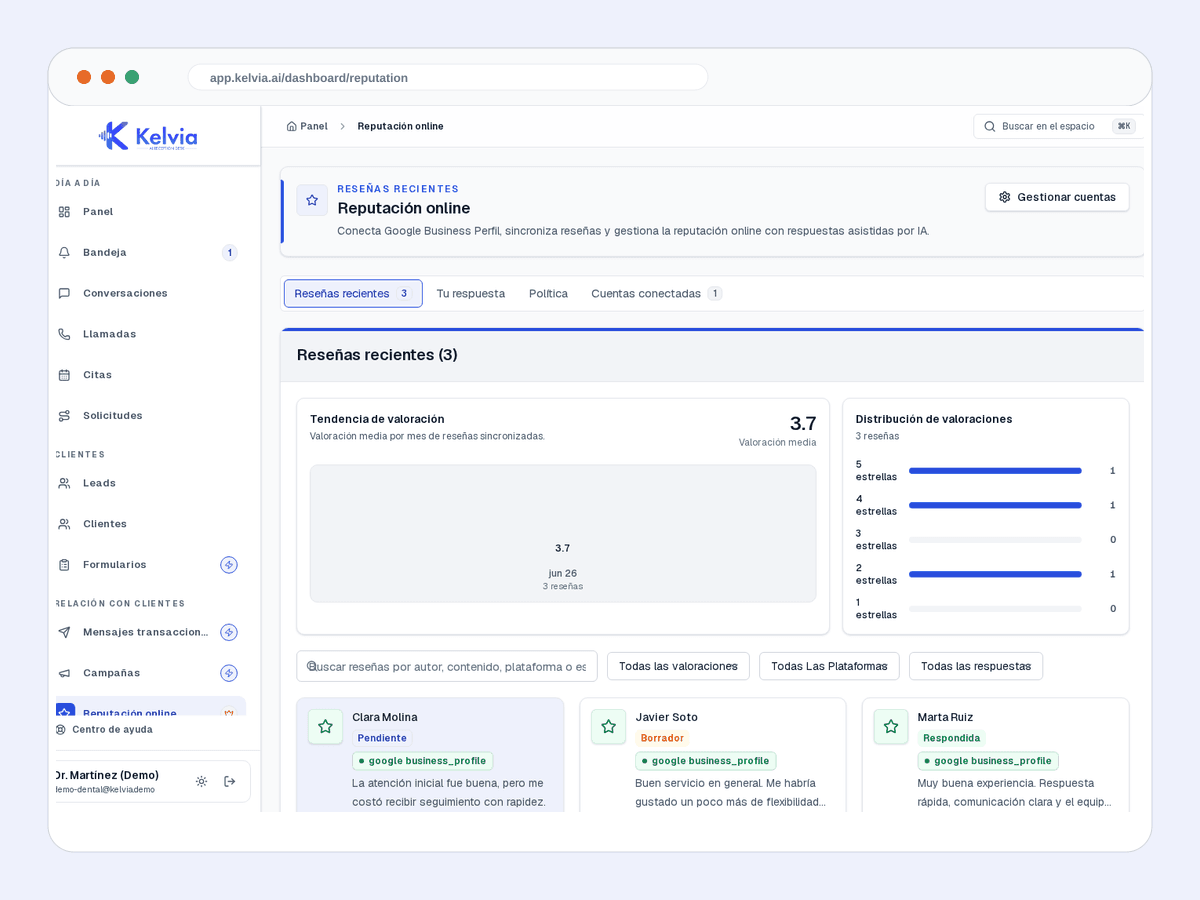
Alerts and tasks for protecting reviews and feedback.
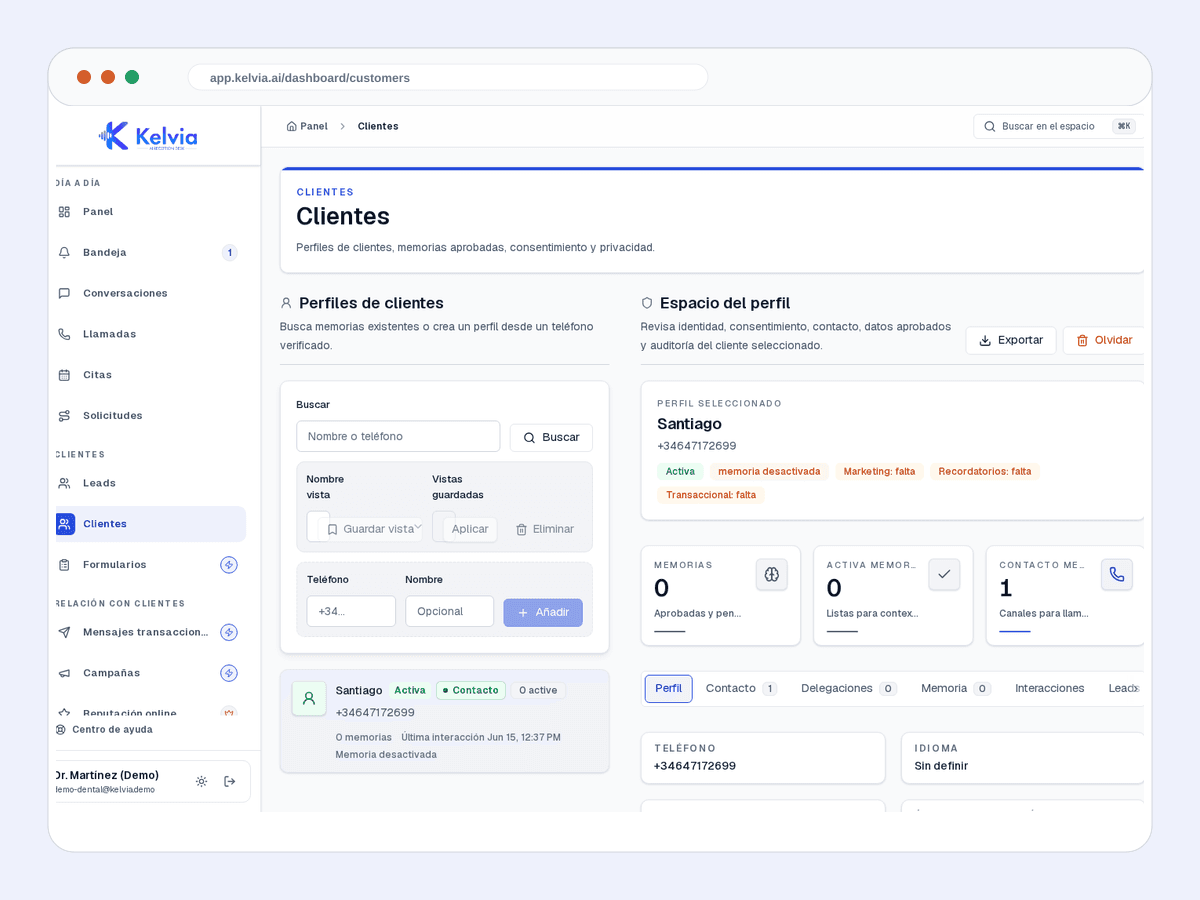
History, context and next actions for each customer.
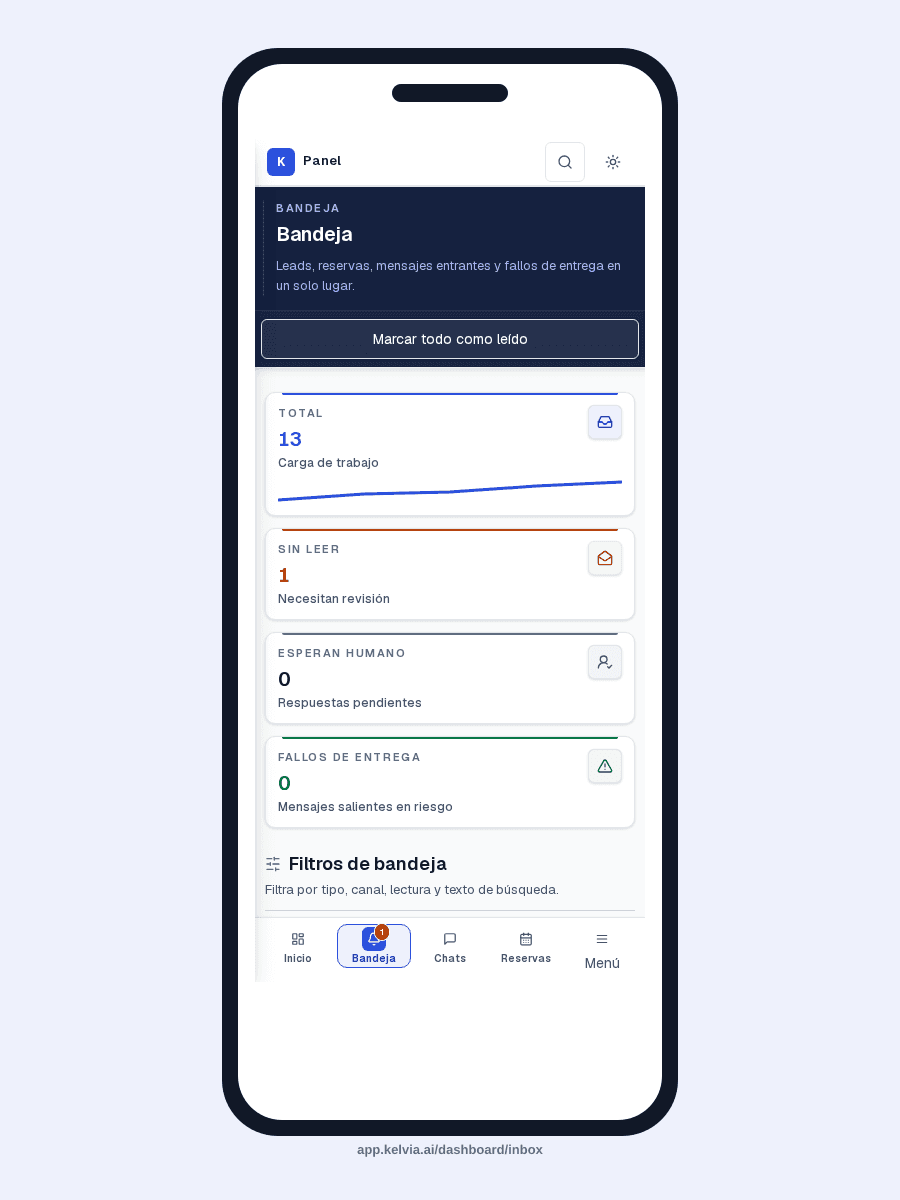
The same operation on mobile without losing the first fold.
An example conversation between a customer and your AI front desk, handling a typical property management inquiry from first message to structured outcome.
Pre-configured capabilities designed specifically for property management. Works out of the box, then you customize everything from the dashboard.
Captures property, unit, issue and priority.
Books maintenance visits, inspections or follow-up appointments.
Saves enquiries with summary, urgency and contact details.
Transfers urgent property issues to verified staff.
Uses intake forms for richer incident data when enabled.
Handles phone and chat using the same property rules.
Where Kelvia fits into day-to-day property management operations.
Capture property and issue details before maintenance starts.
Book visits with the correct unit and contact context.
Separate urgent incidents from routine admin.
Collect the right context before handoff.
This uses the same default sector assumptions as the full pricing calculator. Adjust calls, unanswered rate, value, and recovery on the pricing page.
132
missed calls/month
€5,940
monthly opportunity
Illustrative assumptions: 22 operating days/month, 30% missed calls, 30% conversion and €150 per customer.
Run the full calculatorCommon questions about using Kelvia for property management.
Yes. Kelvia checks availability, collects name, phone, service, date and time, and only confirms once the booking workflow returns a created appointment.
Yes. After verifying the customer, the assistant lists only that customer's appointments, confirms which one to change or cancel, and runs the matching workflow after explicit confirmation.
Kelvia classifies intent and routes to sales, support, admin, urgent help, or a named person; real transfers only go to verified staff or departments.
Yes, when outbound messaging and customer consent are configured for SMS, WhatsApp or email.
Start with an assistant configured for property management, then adapt the workflows, prompts, tools and handoff rules from your dashboard.