
01
Find and refine
Search products, services, categories, facets, and exact item details from the configured catalog.
Kelvia searches and compares a connected catalog, checks current price or availability when the provider supports it, and prepares quotes or order requests with explicit confirmation and staff-visible status.
Ecommerce plans include webchat and catalog. Advanced transactional actions require their own plan and provider configuration. Catalog facts are not a stock reservation or delivery guarantee.
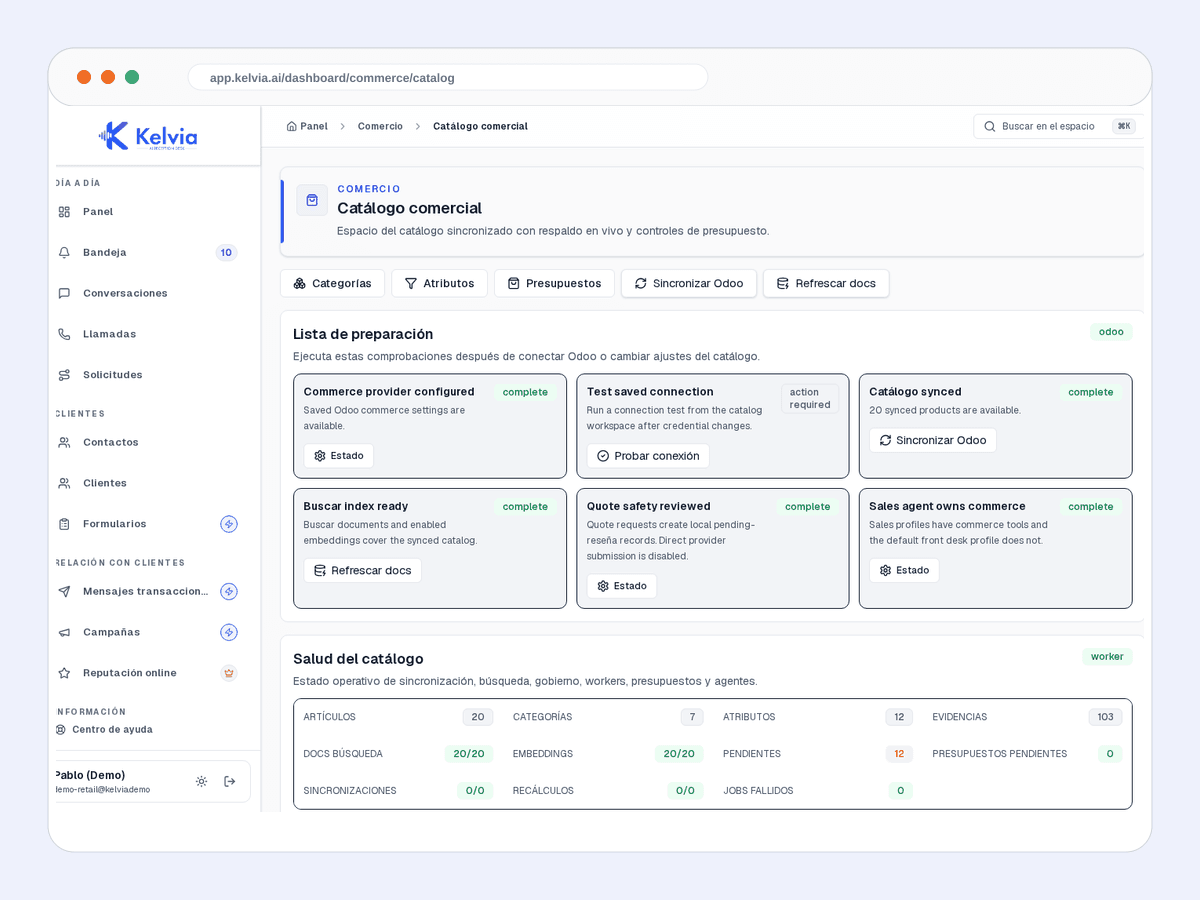
Search products, services, categories, facets, and exact item details from the configured catalog.
Compare only returned price, attributes, availability, compatibility, or warranty fields — never invented differences.
Ask the connector for current price or availability when supported. The result remains informational, not reserved stock.
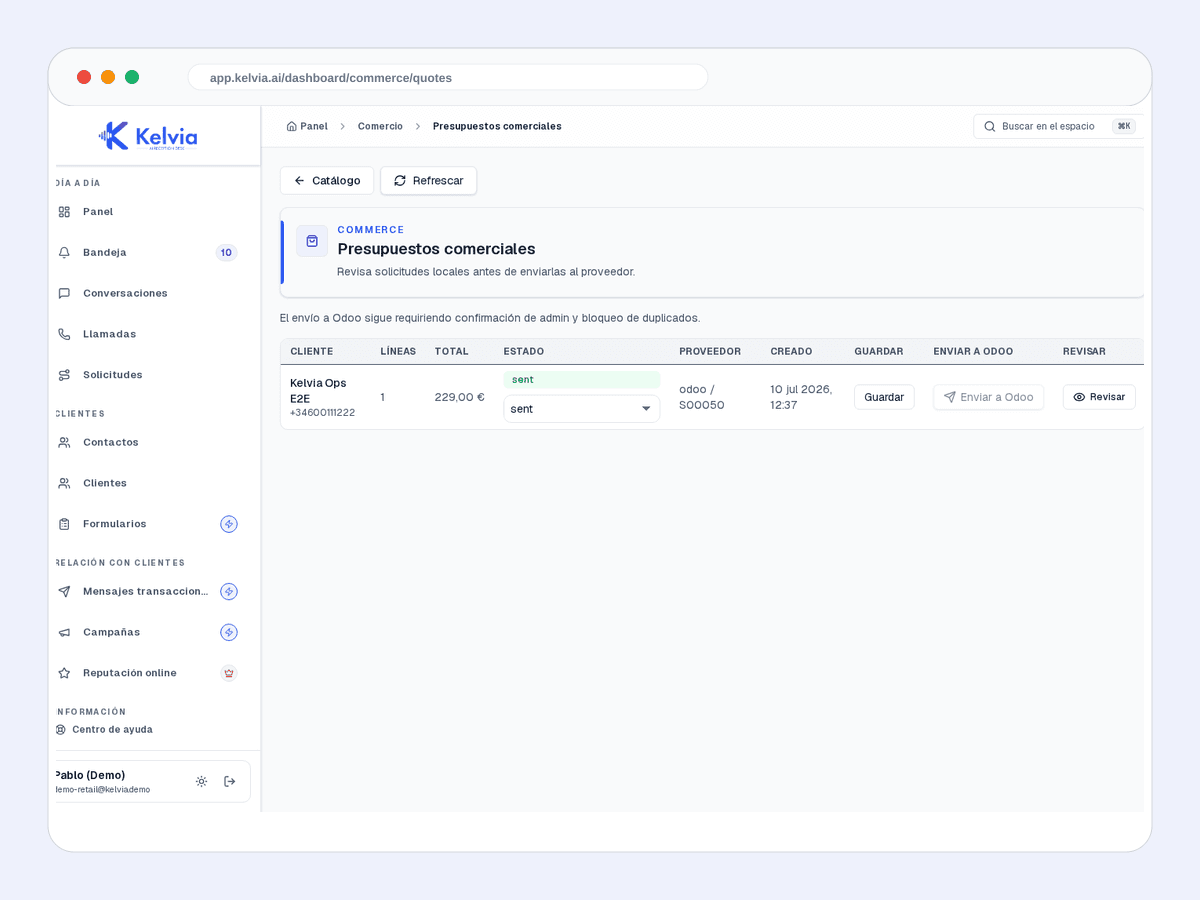
Choose catalog products, quantities and customer details, then ask for confirmation. The default outcome is pending staff review unless provider submission is enabled.
Collect product and fulfillment details as a pending request. Do not call it confirmed, paid, reserved, shipped, or accepted by an ERP.
When your configured payment provider supports it and your administrator enables it, create a secure external link. Payment is not completed inside voice or chat.
Your team can review products, source information, prices, availability and catalog sync status in one place.
Local quote requests, provider-backed drafts, totals, expiry, status, and staff review are separate from payment and order confirmation.
Best-effort lead synchronization after Kelvia saves a contact locally.
Configured catalog sync, live checks, and provider-backed draft quote workflows. It is not a universal ERP write path.
Kelvia does not guarantee stock, delivery, provider acceptance, order confirmation, or payment completion. These actions require the appropriate provider, plan, administrator settings and customer confirmation.
Start with search and grounded answers, then add quotes, order requests, or external payment links only where your operation is ready.
Explore ecommerce plansAn assistant to search, compare and recommend products, with links to continue shopping. No voice or other channels required.
Excludes VAT. Assisted setup is separate. Over 10,000 references: quote and technical qualification. Order and payment actions require additional configuration and capabilities.
Explore ecommerce plans