
01
Stay operations
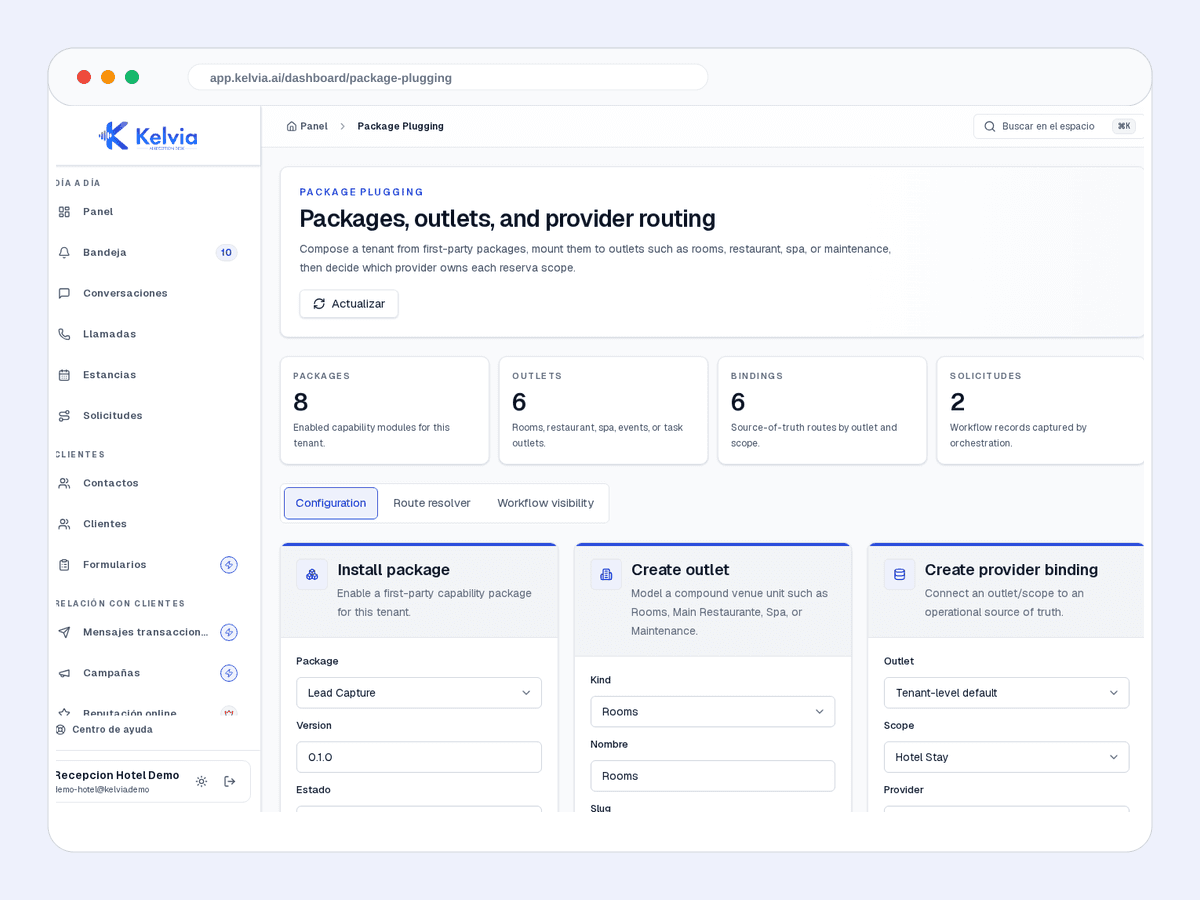
PMS requests, provider status, and staff review in one operational queue.
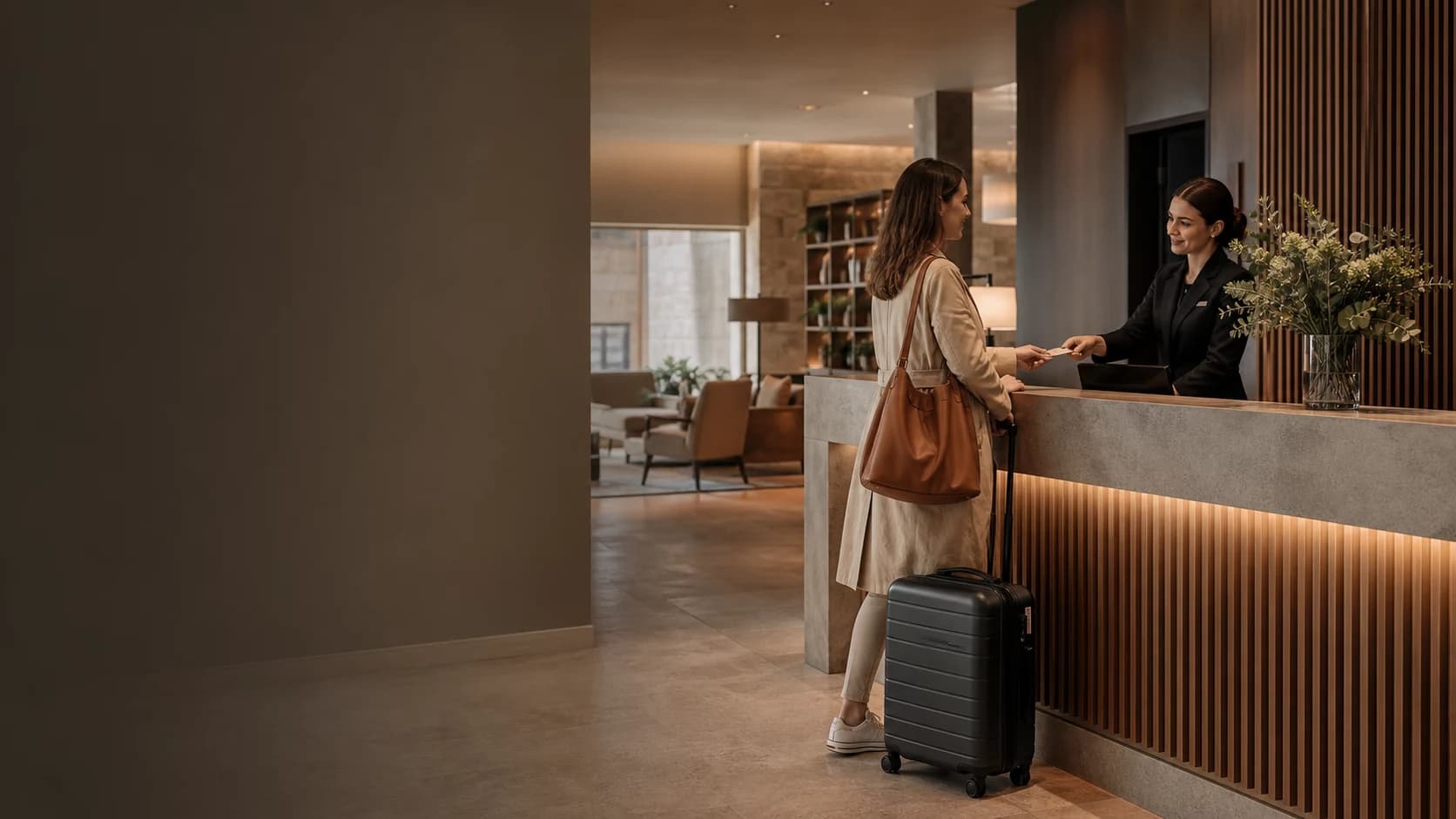
Kelvia starts with hotels vocabulary, services, FAQs and routing, then keeps every outcome visible in the dashboard.
Start from hotels presets, add services or FAQs, and test the front desk before sending real traffic.
Handles common questions about services, hours, prices, policies and availability in the language of hotels.
Keeps customer context, consent and conversation history tenant-scoped so repeat customers do not start from zero.
Checks dates, guests, property, and available room offers through the configured PMS connector.
Keeps the selected provider option and rate terms attached to the request before submission.
Says confirmed only after Apaleo or Mews returns a provider reservation identifier.
Kelvia keeps availability, the selected offer, guest confirmation, provider outcome, payment-required state, and staff review as distinct steps.
Product screenshots captured from demo tenants, cleaned of test banners and setup tips.
PMS requests, provider status, and staff review in one operational queue.
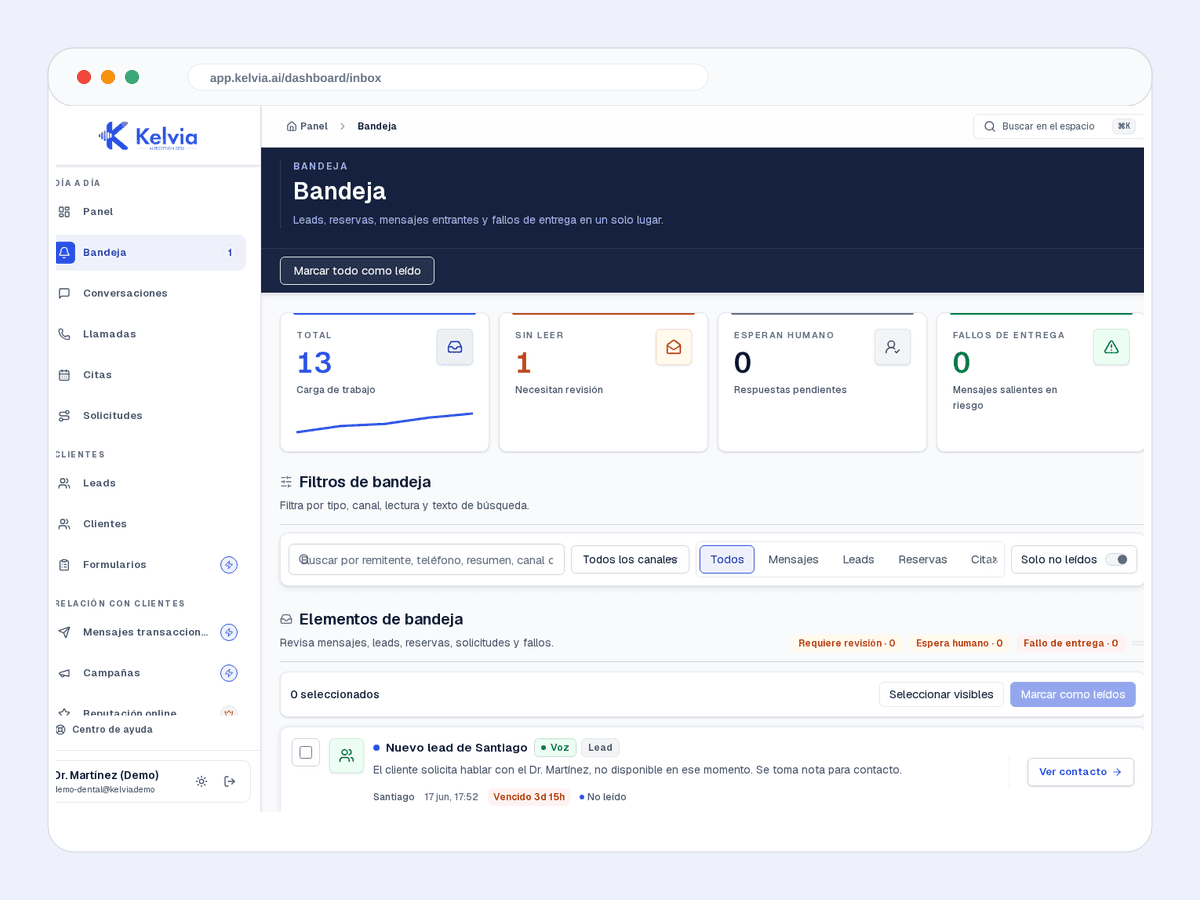
Leads, bookings, messages and failures in the same workflow.
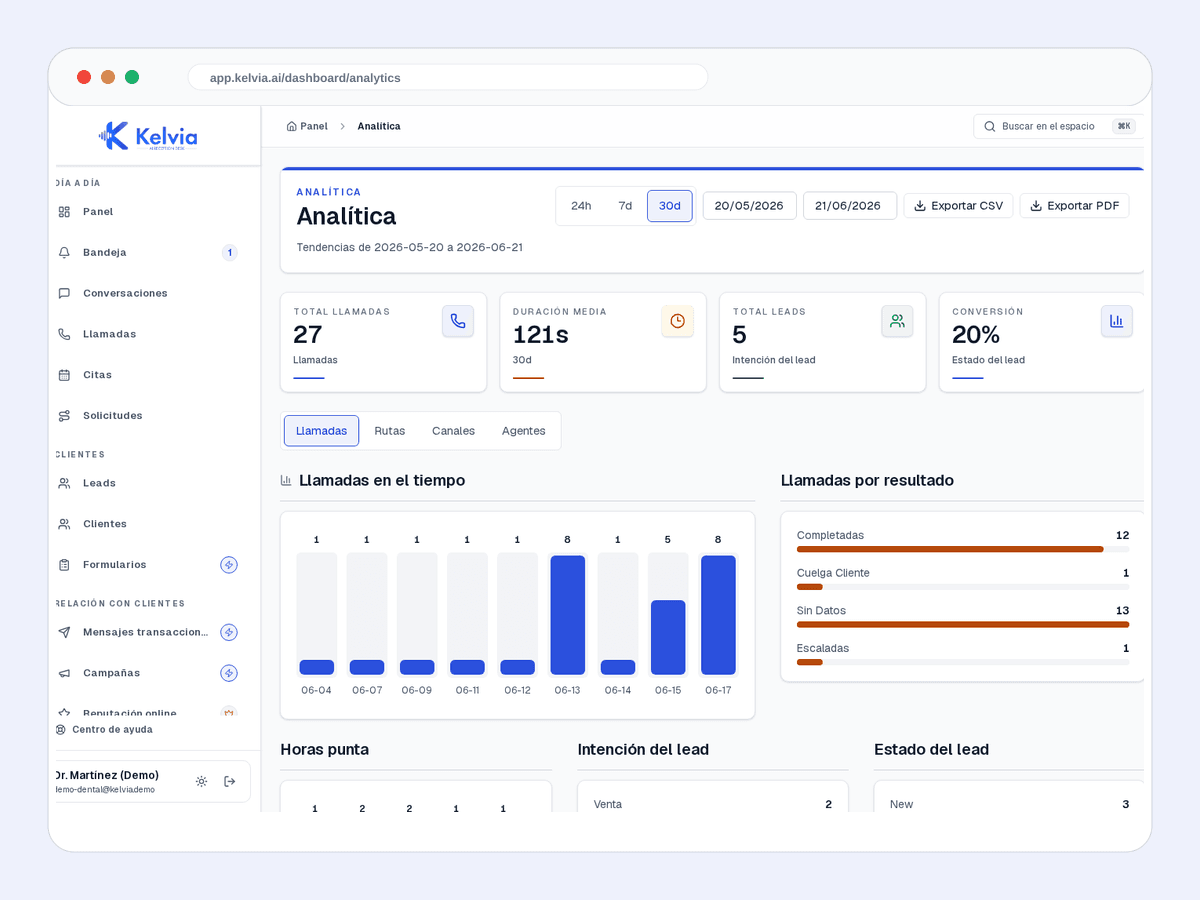
Volume, outcomes and operating performance by channel.
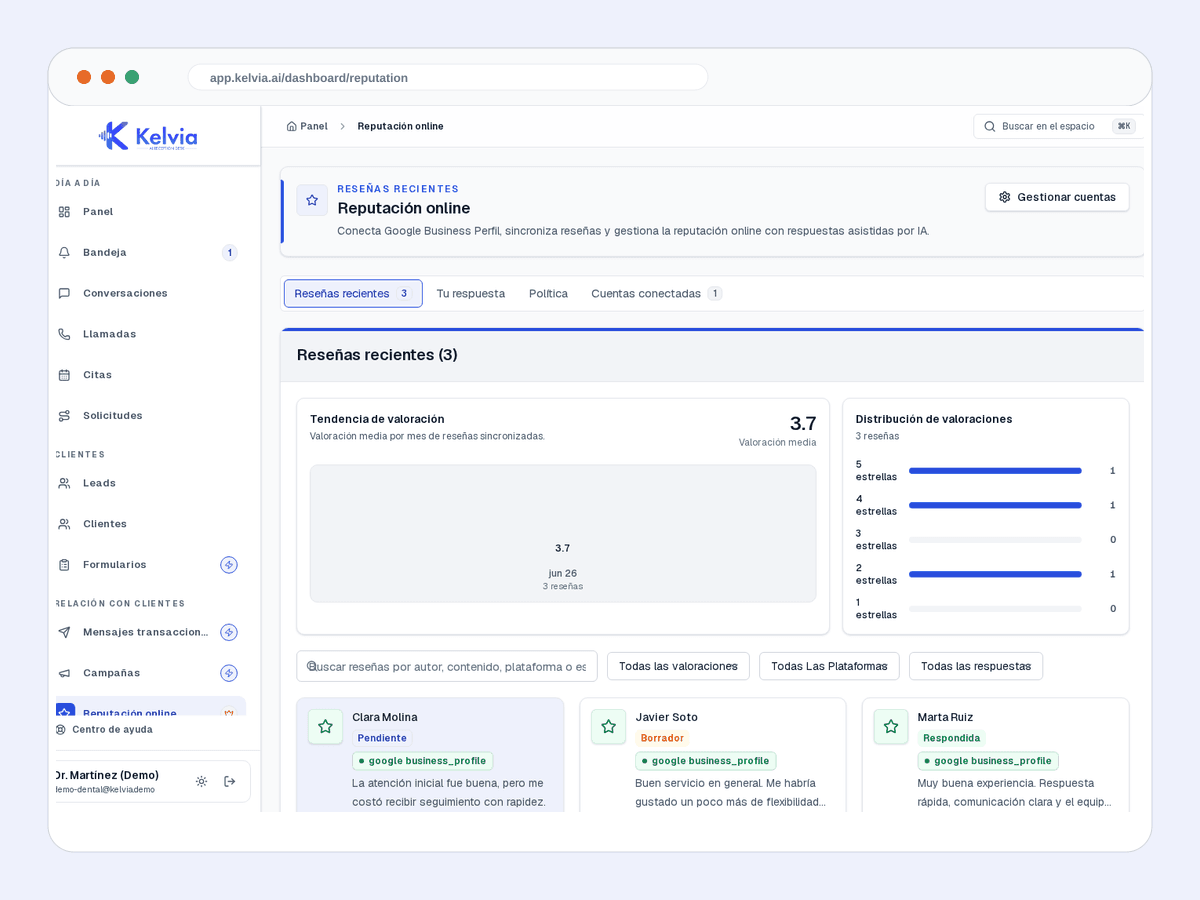
Alerts and tasks for protecting reviews and feedback.
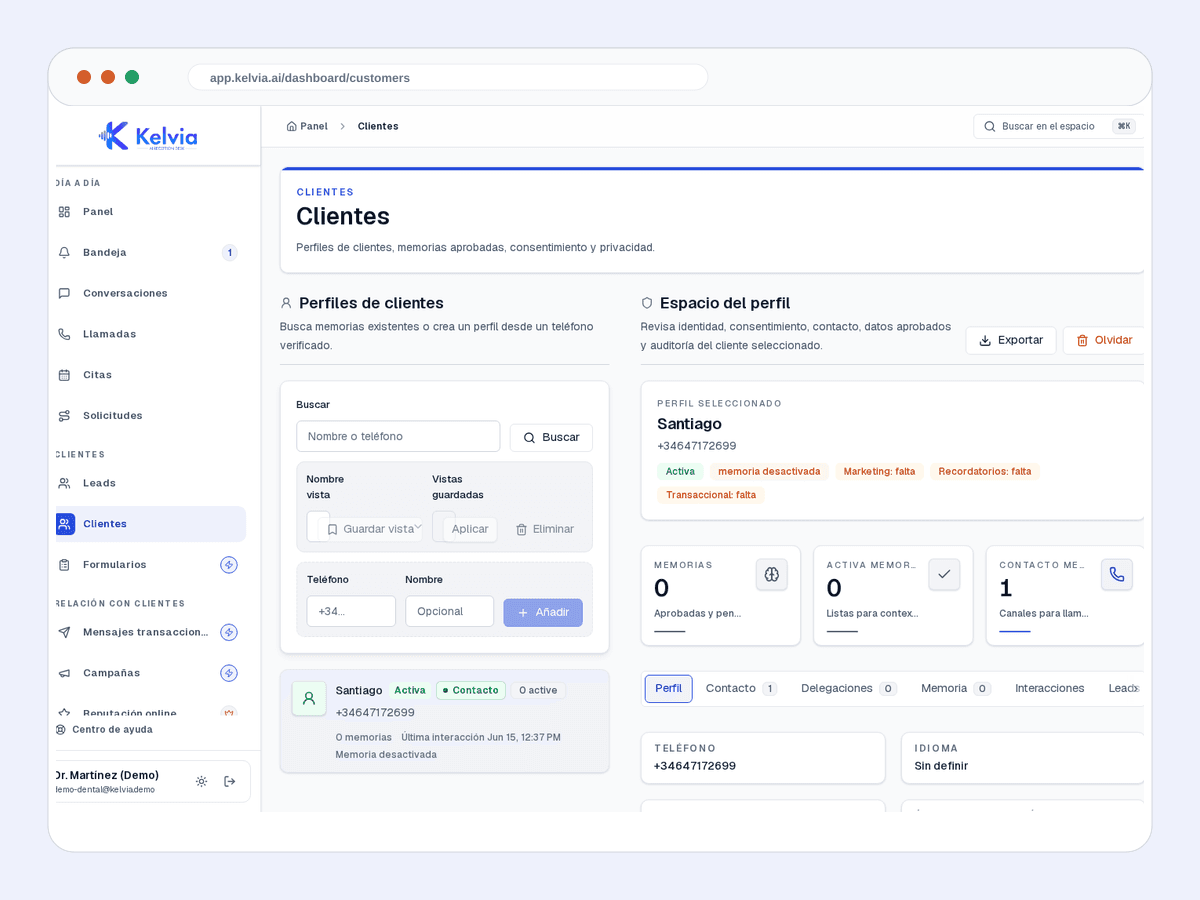
History, context and next actions for each customer.
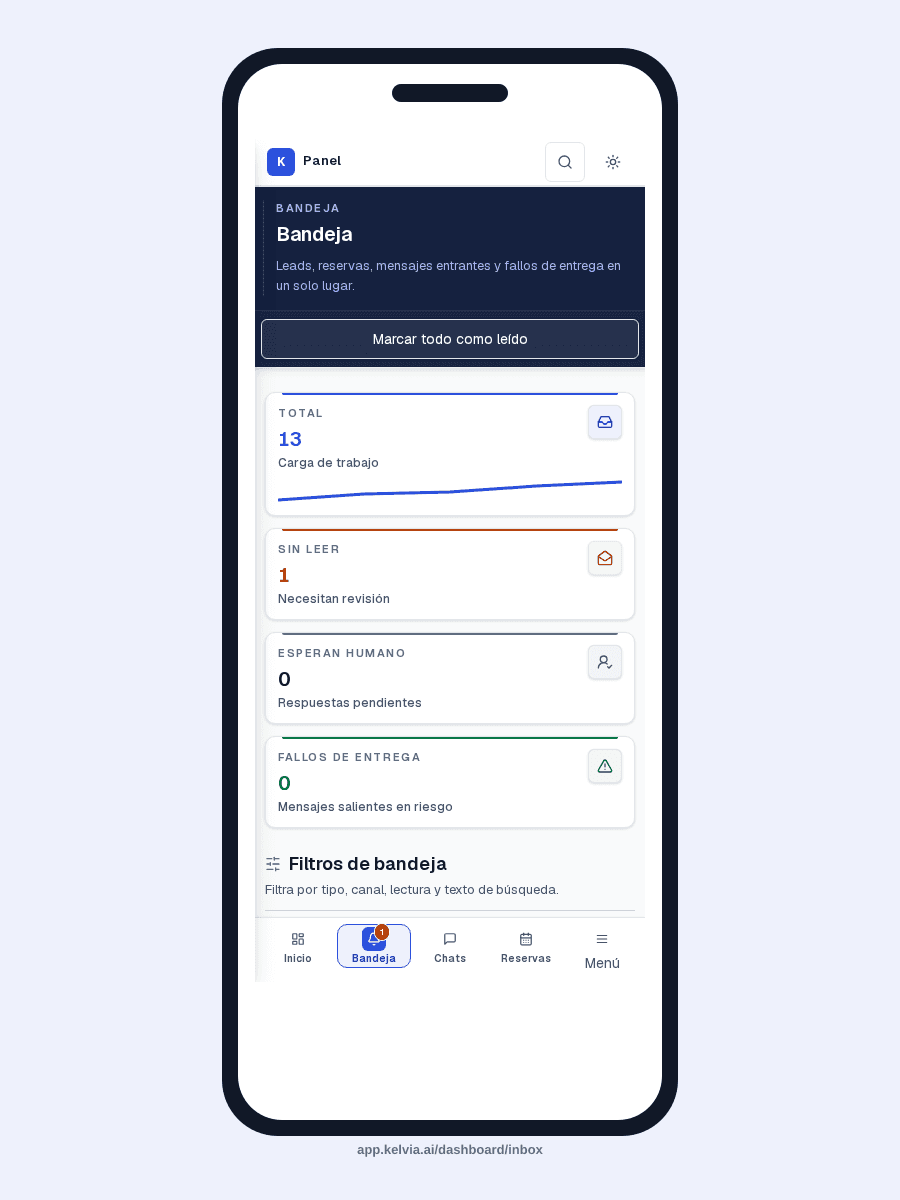
The same operation on mobile without losing the first fold.
An example conversation between a customer and your AI front desk, handling a typical hotels inquiry from first message to structured outcome.
Pre-configured capabilities designed specifically for hotels. Works out of the box, then you customize everything from the dashboard.
Checks dates, guests, property, and available room offers through the configured PMS connector.
Keeps the selected provider option and rate terms attached to the request before submission.
Says confirmed only after Apaleo or Mews returns a provider reservation identifier.
Cancellation is limited to a verified customer and a reservation that belongs to that customer.
Rates that need a guarantee, payment, or review move to a controlled team workflow without requesting card details in the conversation.
Routes group requests, exceptions, and sensitive questions to a verified hotel team member or department.
Where Kelvia fits into day-to-day hotels operations.
Check configured availability and prepare a stay request when the desk is busy or closed.
Submit the guest-selected offer to Apaleo or Mews only after explicit confirmation.
Send payment-required and review-required cases to the team instead of collecting card details in chat or voice.
Cancel only a reservation owned by the verified customer and only after explicit confirmation.
This uses the same default sector assumptions as the full pricing calculator. Adjust calls, unanswered rate, value, and recovery on the pricing page.
132
missed calls/month
€5,940
monthly opportunity
Illustrative assumptions: 22 operating days/month, 30% missed calls, 30% conversion and €150 per customer.
Run the full calculatorCommon questions about using Kelvia for hotels.
Kelvia has conditional reservation-provider connectors for Apaleo and Mews. They work only when the hotel has configured the provider and the required property, service, rate, and credential data.
No. A request may be unavailable, pending staff review, or payment required. Kelvia only says confirmed when the configured PMS returns a provider reservation id.
Yes, through the configured cancellation workflow after the customer is verified and the reservation is confirmed to belong to that customer.
No. Kelvia does not ask for card details in the conversation and this page does not promise conversational check-in, check-out, folios, or deposits. Those cases move to the provider or hotel team.
Start with an assistant configured for hotels, then adapt the workflows, prompts, tools and handoff rules from your dashboard.