

01
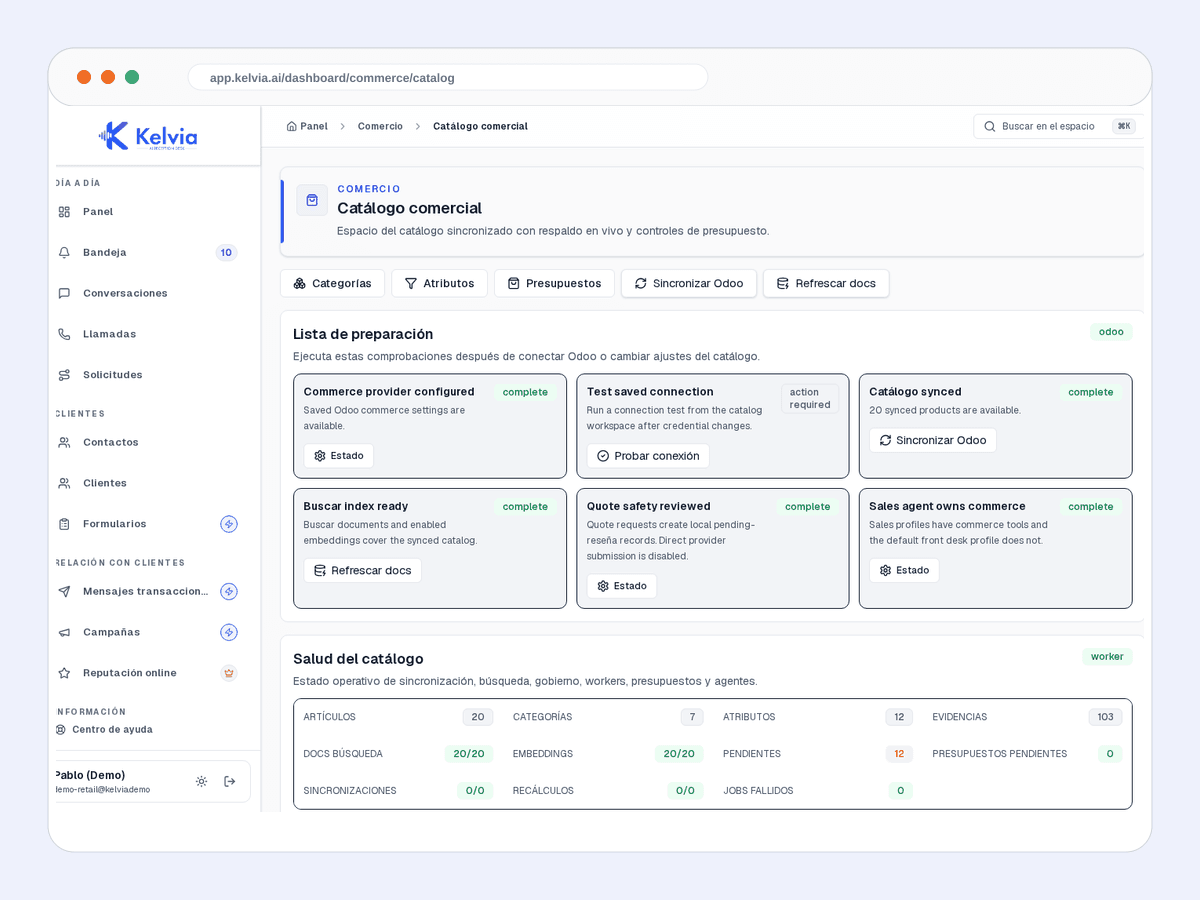
Commerce catalog
Connected products, sync health, and catalog data the team can review.

Kelvia starts with retail vocabulary, services, FAQs and routing, then keeps every outcome visible in the dashboard.
Start from retail presets, add services or FAQs, and test the front desk before sending real traffic.
Handles common questions about services, hours, prices, policies and availability in the language of retail.
Keeps customer context, consent and conversation history tenant-scoped so repeat customers do not start from zero.
Records what the customer is asking about and how to reach them.
Saves summary, intent, urgency and contact details.
With the Commerce add-on and provider enabled, searches exact products and checks current data without inventing stock or delivery.
Add grounded product discovery, current provider checks, reviewable quotes, order requests, and secure external payment links with plan and configuration gates.
Product screenshots captured from demo tenants, cleaned of test banners and setup tips.
Connected products, sync health, and catalog data the team can review.
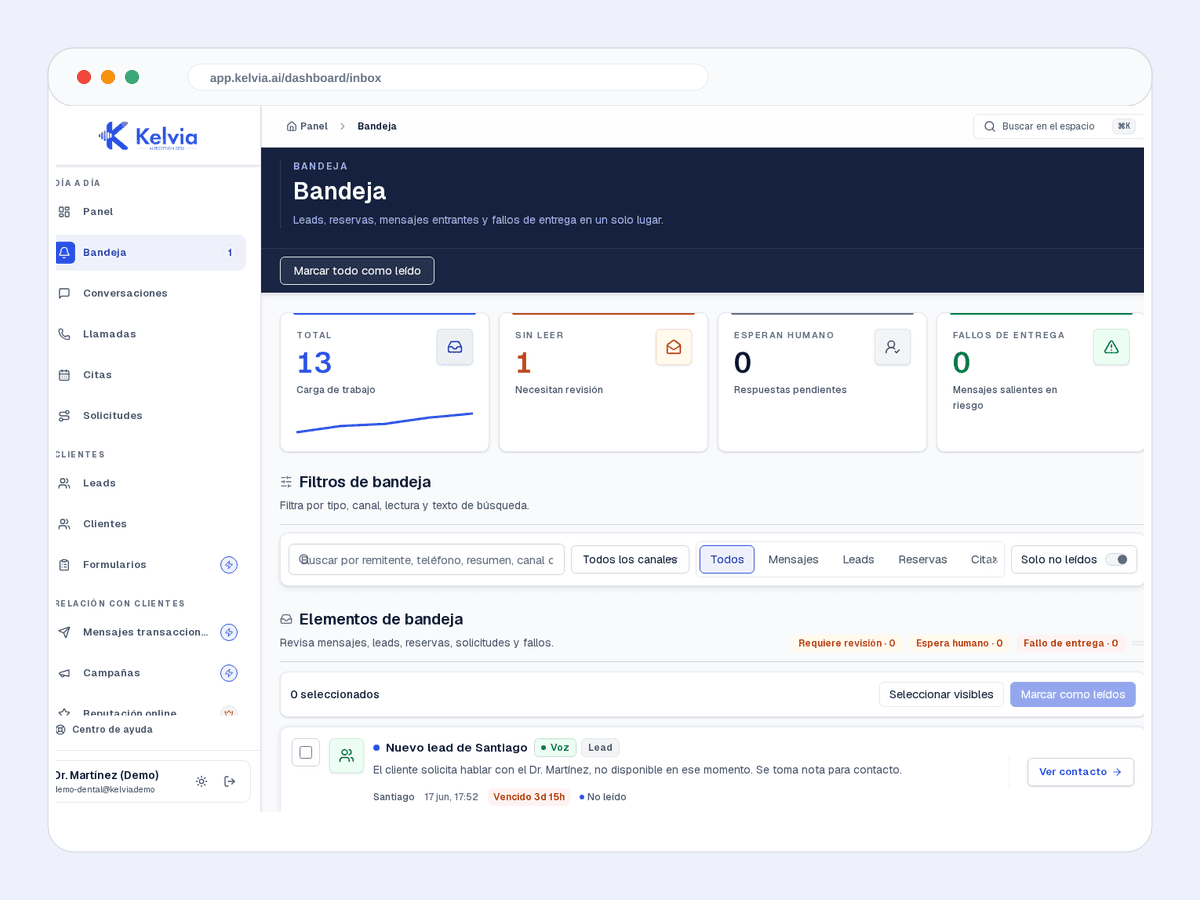
Leads, bookings, messages and failures in the same workflow.
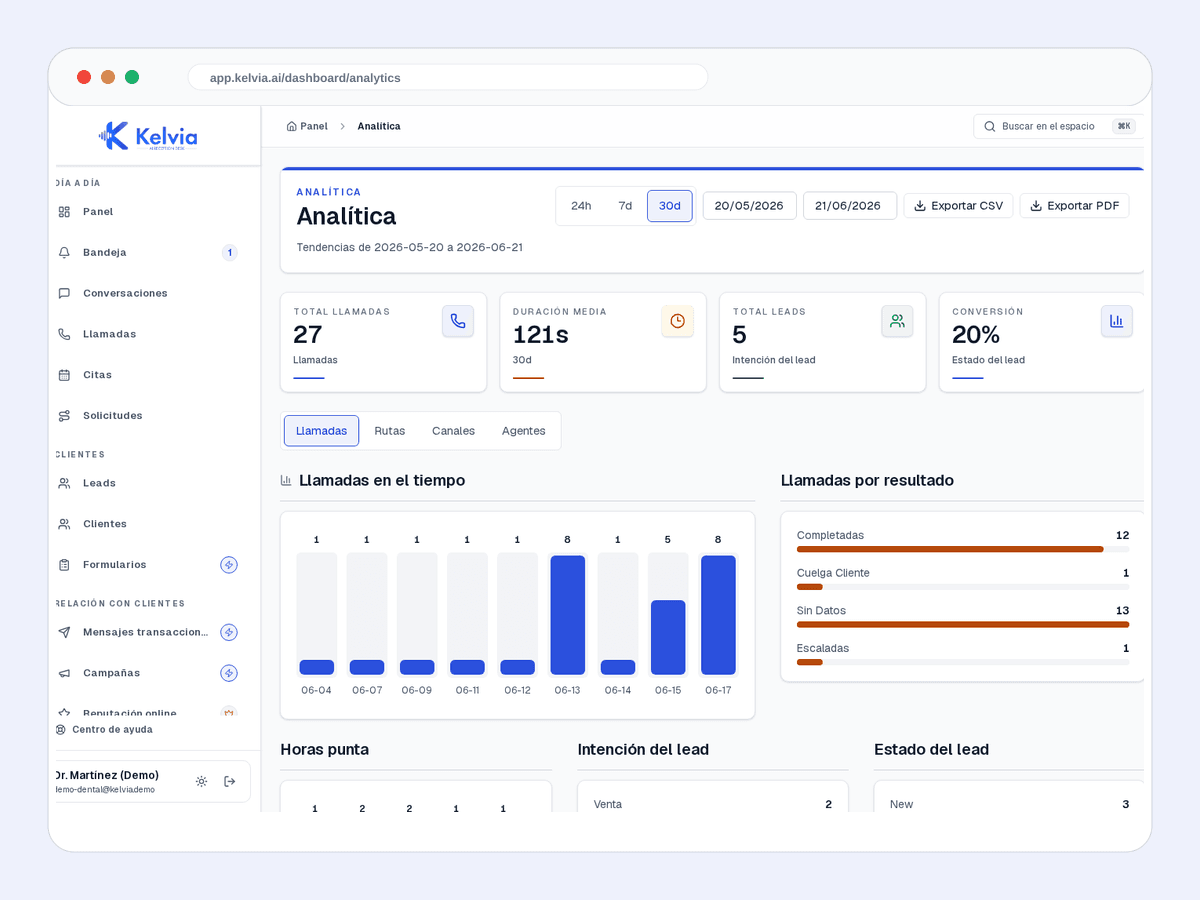
Volume, outcomes and operating performance by channel.
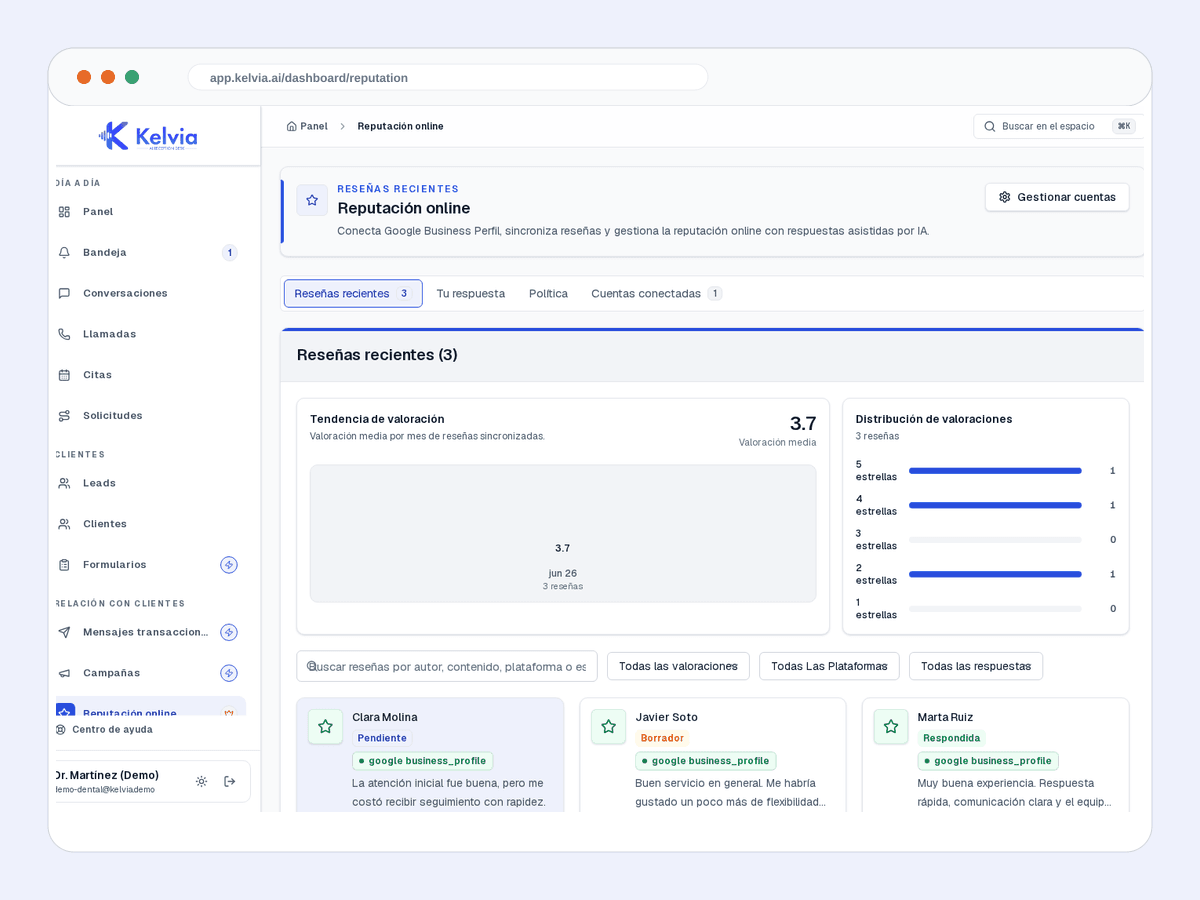
Alerts and tasks for protecting reviews and feedback.
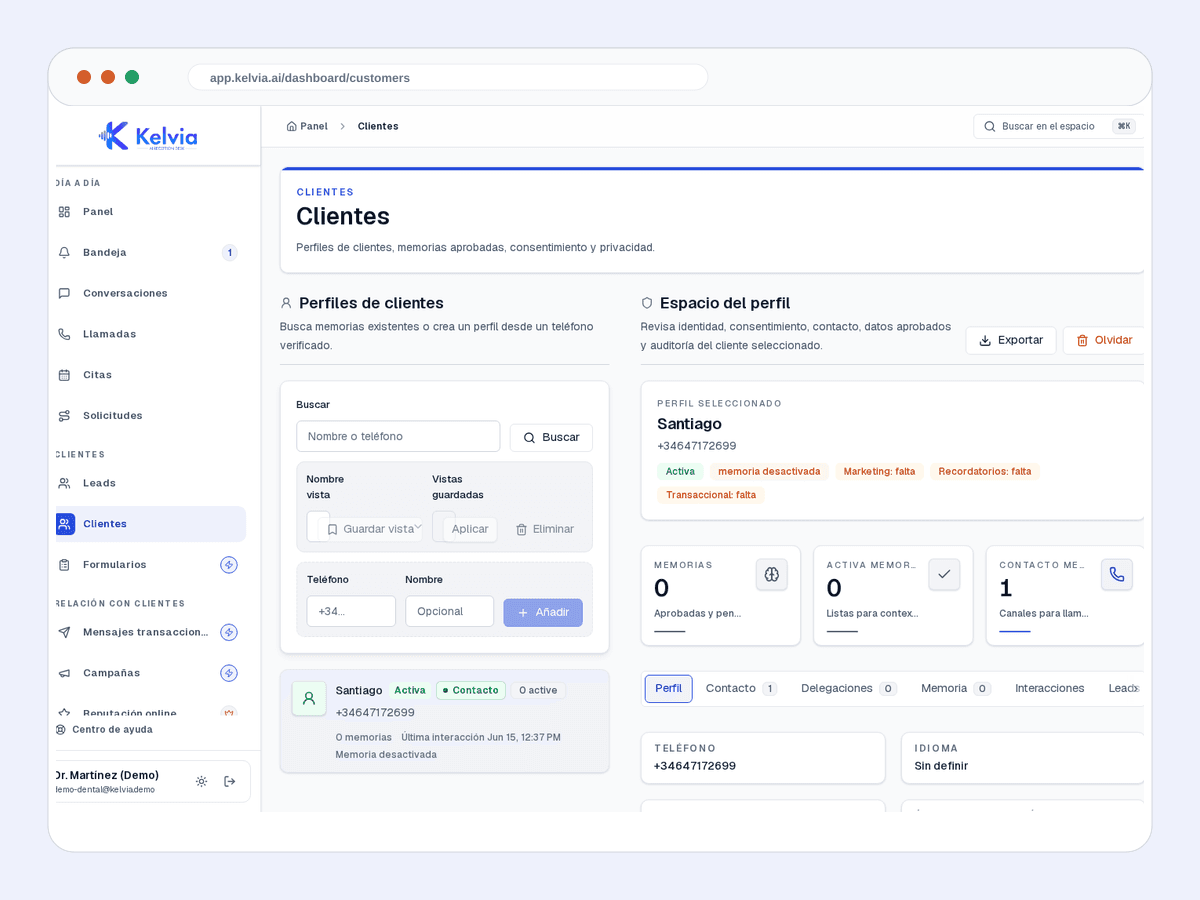
History, context and next actions for each customer.
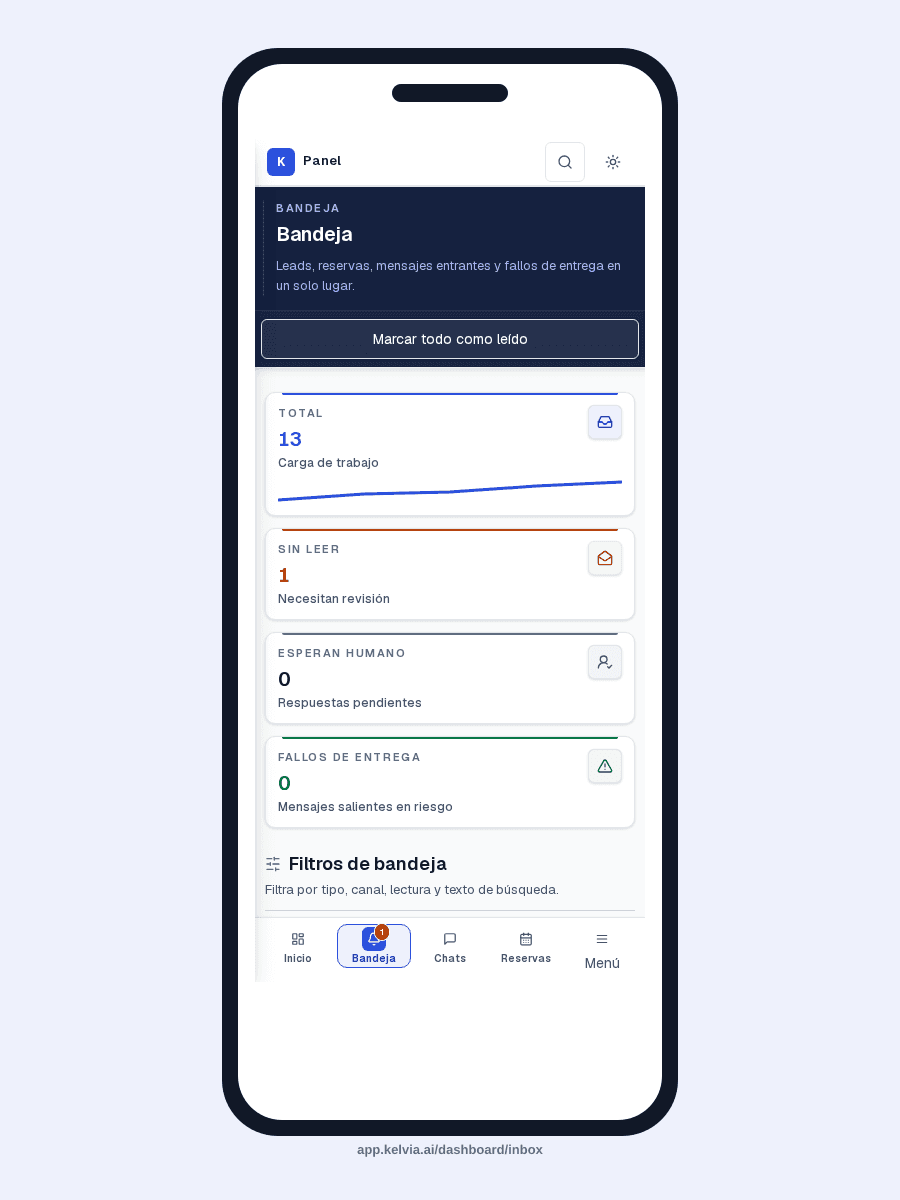
The same operation on mobile without losing the first fold.
An example conversation between a customer and your AI front desk, handling a typical retail inquiry from first message to structured outcome.
Pre-configured capabilities designed specifically for retail. Works out of the box, then you customize everything from the dashboard.
Records what the customer is asking about and how to reach them.
Saves summary, intent, urgency and contact details.
With the Commerce add-on and provider enabled, searches exact products and checks current data without inventing stock or delivery.
Routes product, order, support and high-intent sales calls to the right profile or verified staff.
Handles WhatsApp, Telegram and webchat with the same retail rules.
Keeps contacts and leads isolated to the tenant dashboard.
Where Kelvia fits into day-to-day retail operations.
Answer calls while store staff stay with in-person customers.
Capture what the shopper wants and their callback details.
When configured, find and compare provider-backed products before preparing a gated quote or order request.
Route valuable calls to sales, support, orders or a verified person when they should take over.
This uses the same default sector assumptions as the full pricing calculator. Adjust calls, unanswered rate, value, and recovery on the pricing page.
132
missed calls/month
€5,940
monthly opportunity
Illustrative assumptions: 22 operating days/month, 30% missed calls, 30% conversion and €150 per customer.
Run the full calculatorCommon questions about using Kelvia for retail.
Only when Commerce, a catalog provider, plan access, and the availability tool are configured. The returned value is a current check, not reserved stock or guaranteed delivery. Without Commerce, Kelvia captures interest and hands it to the team.
Yes. Kelvia saves customer details, product interest, summary and urgency for follow-up.
Yes. Calls can route to sales, support, orders or named staff, and real transfers only go to verified directory targets.
Yes. WhatsApp, Telegram and webchat can use the same prompt rules and lead capture flow.
Start with an assistant configured for retail, then adapt the workflows, prompts, tools and handoff rules from your dashboard.